- Home
- External Rob Run
Buy External Rob Run Cheats
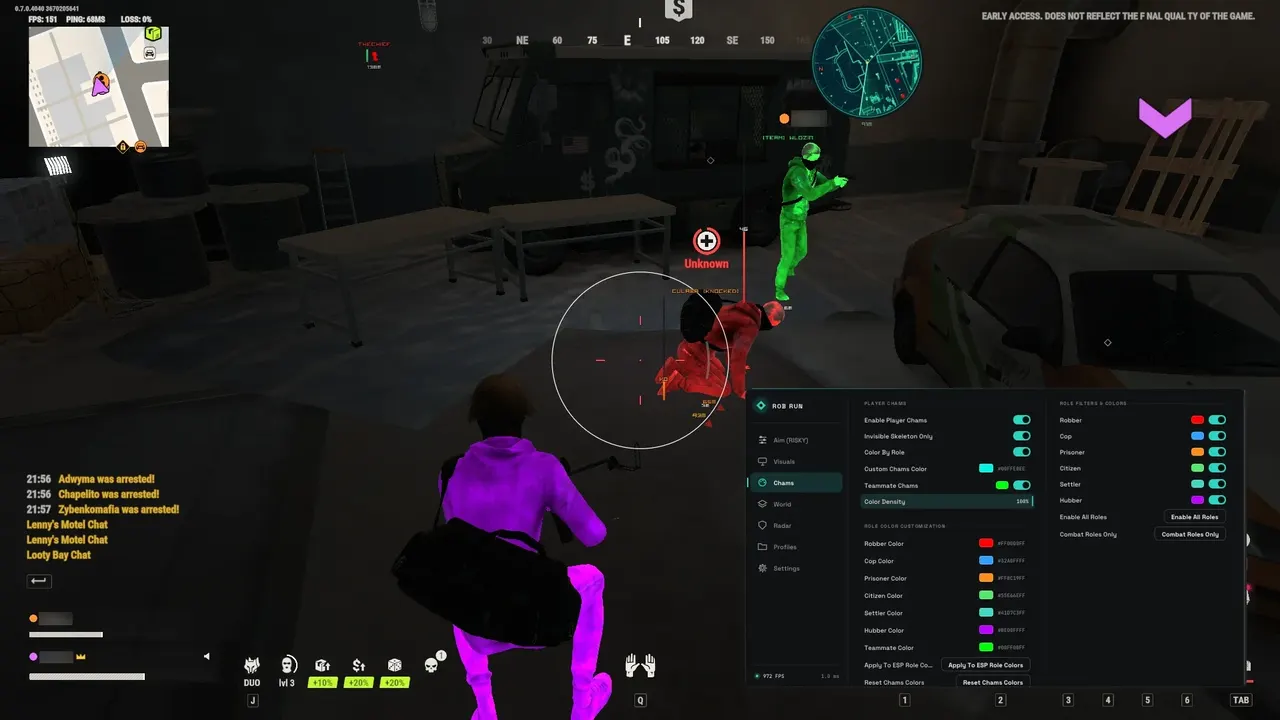
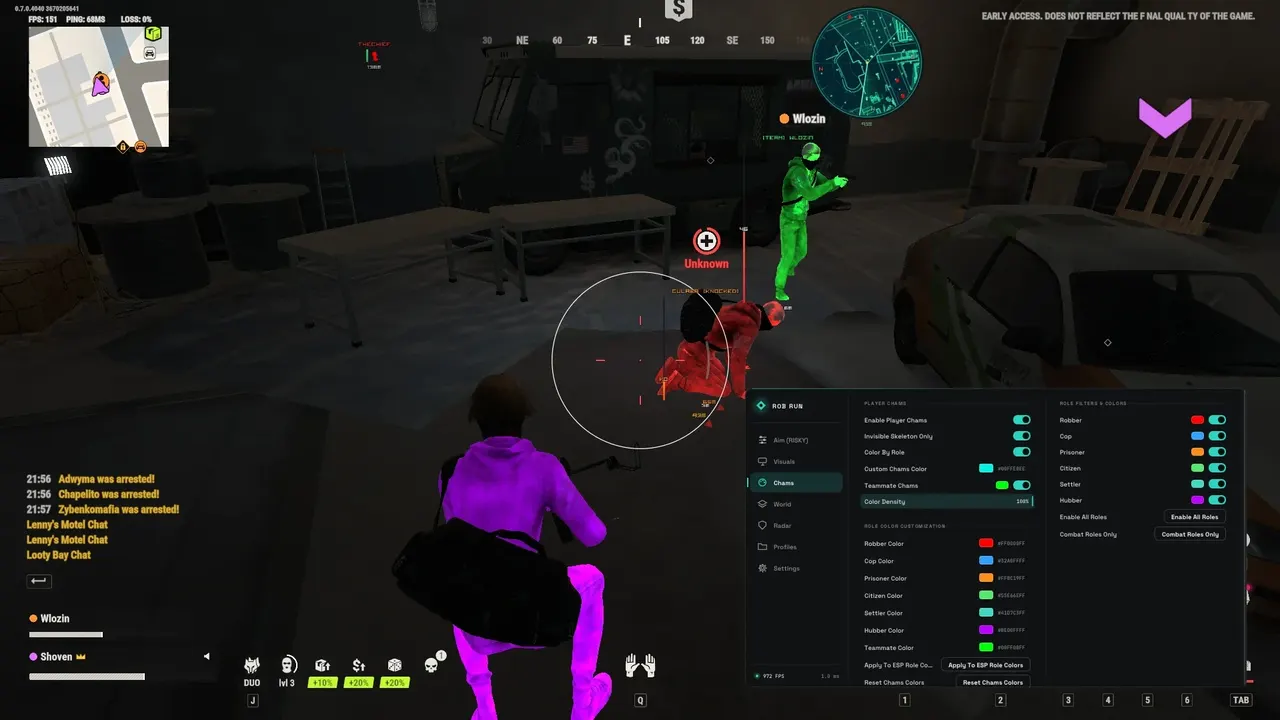
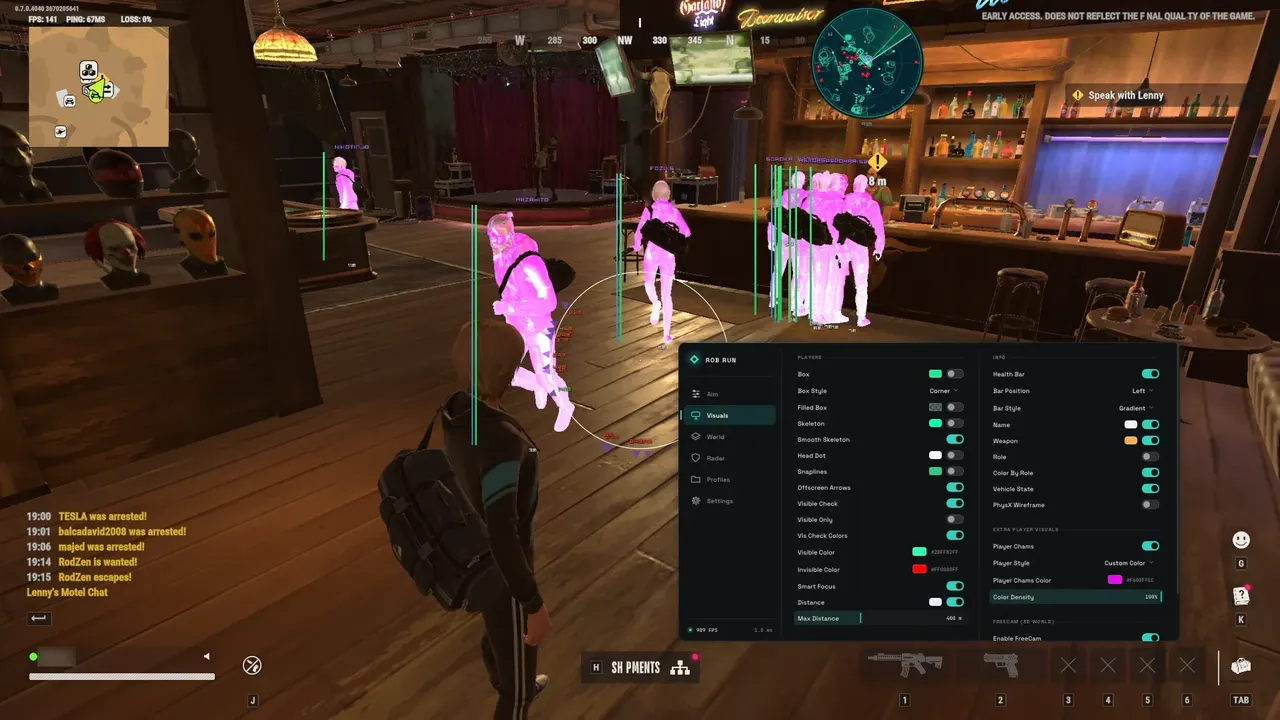
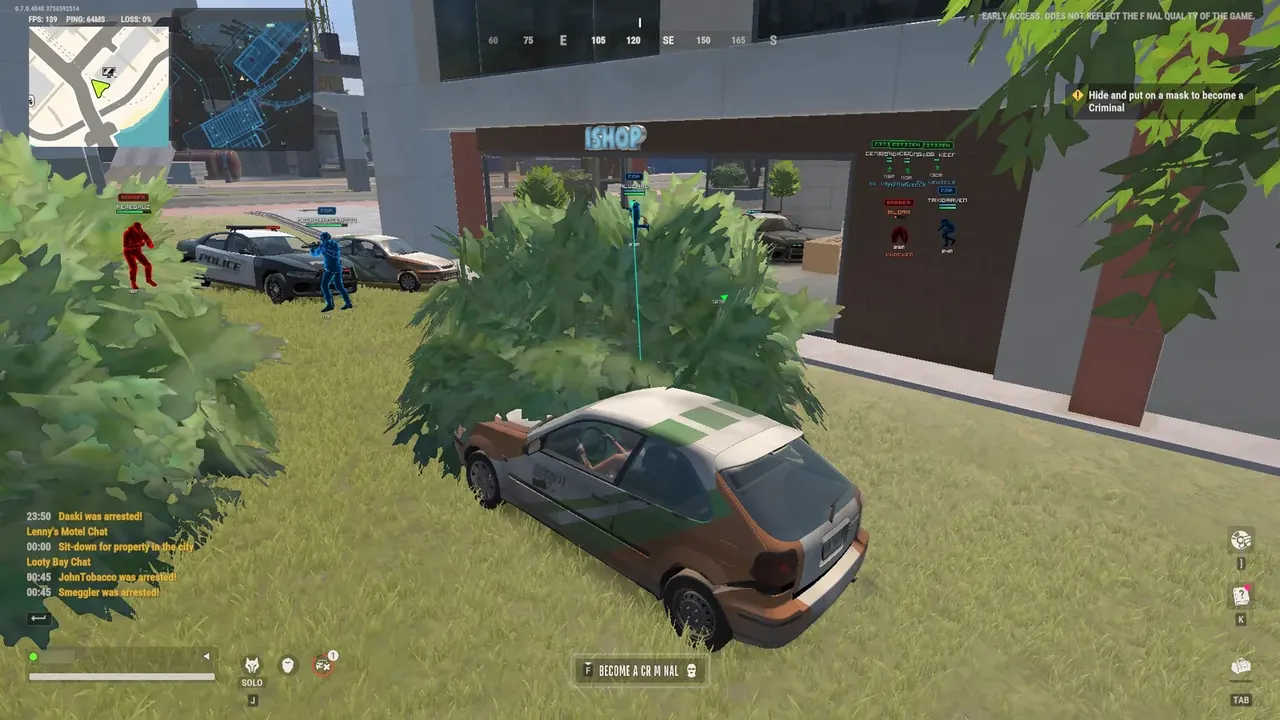
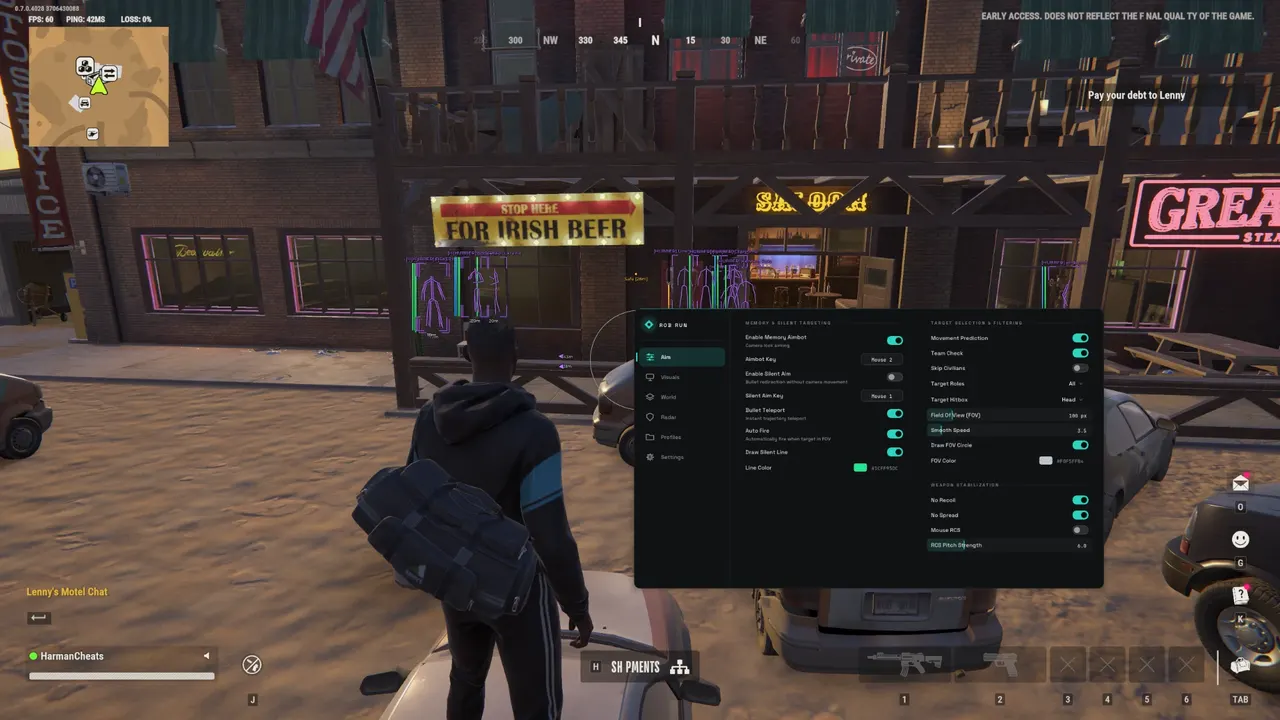
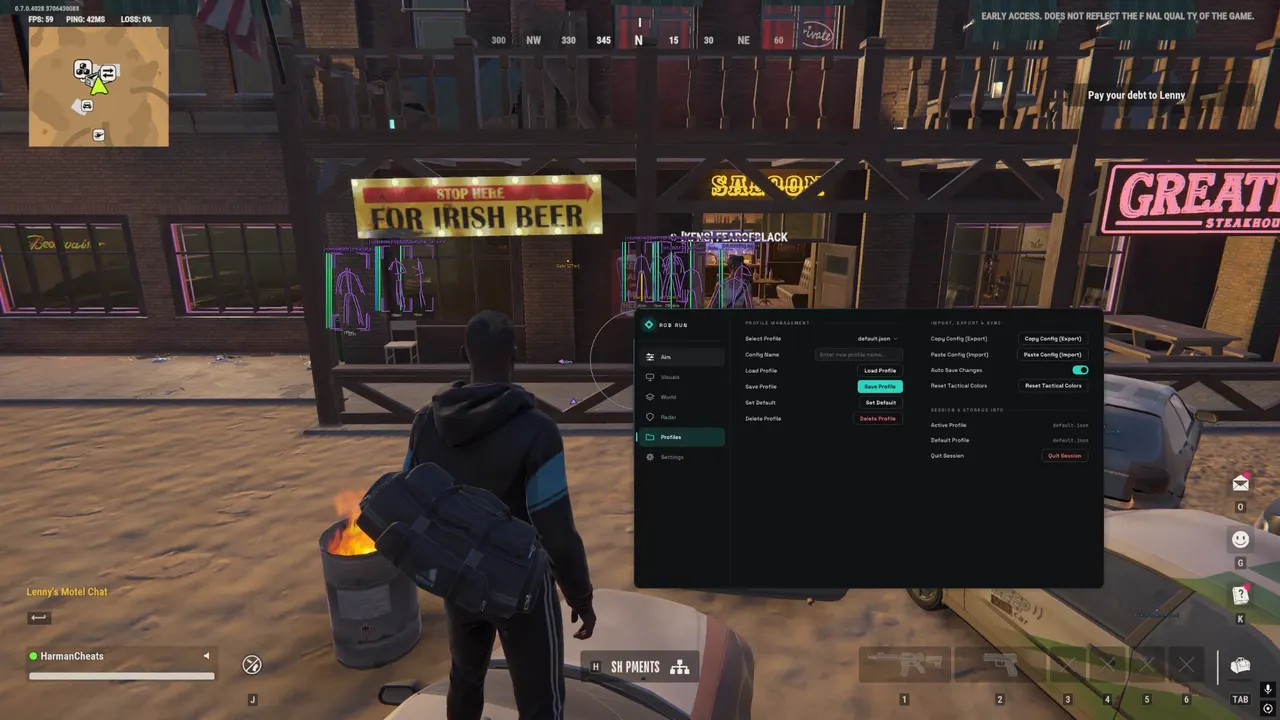
The External Rob Run cheat runs as its own process next to the game. After you enter your key the loader shows Waiting for RobRun; once you see that text you start the game and the menu appears when the game has loaded.
The aim section is the widest of the two builds. Next to memory aimbot and silent aim you get bullet teleport, auto fire while the target is inside the FOV, movement and ping prediction, hit chance, a head and body split and a randomized aim point. On the weapon side there is no recoil, no spread and a standalone mouse RCS.
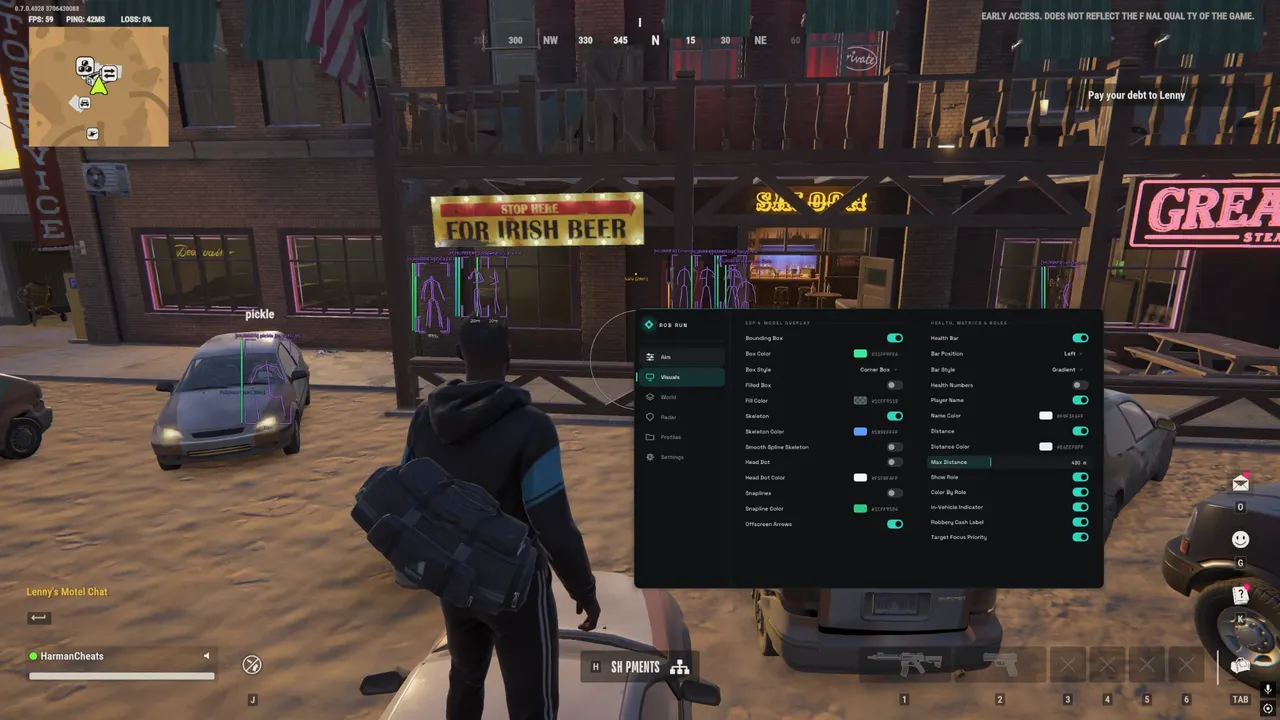
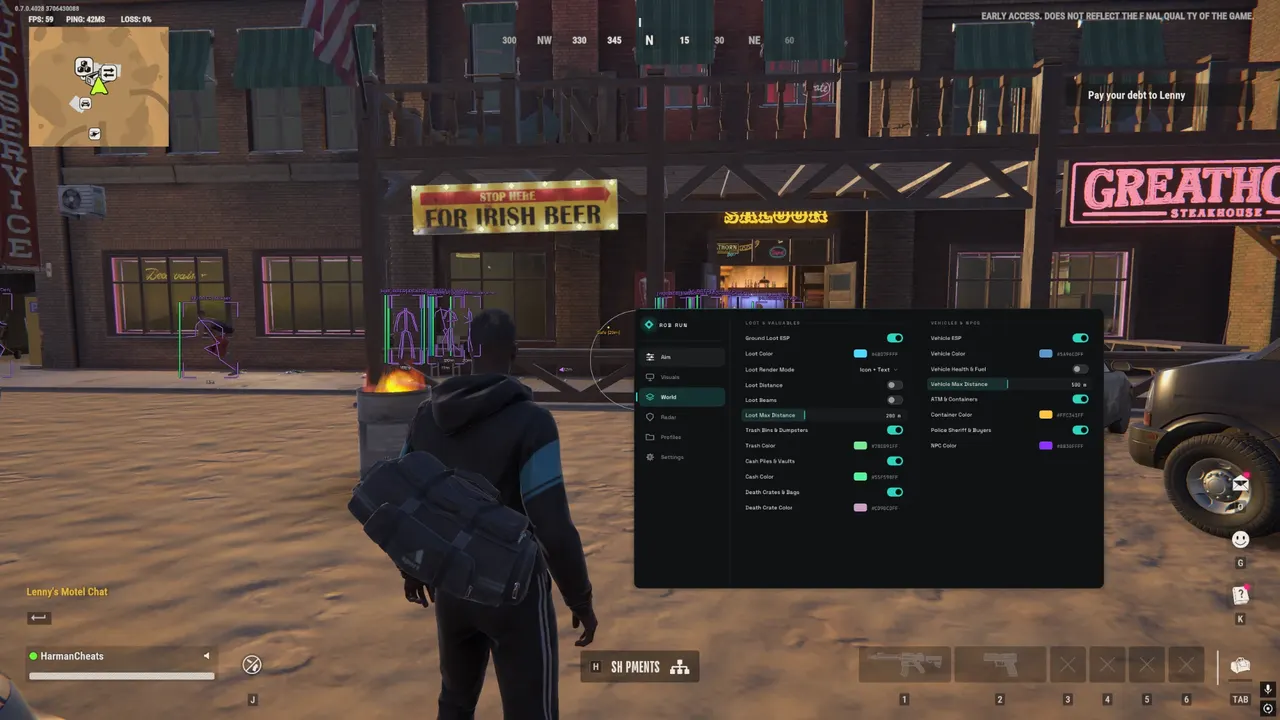
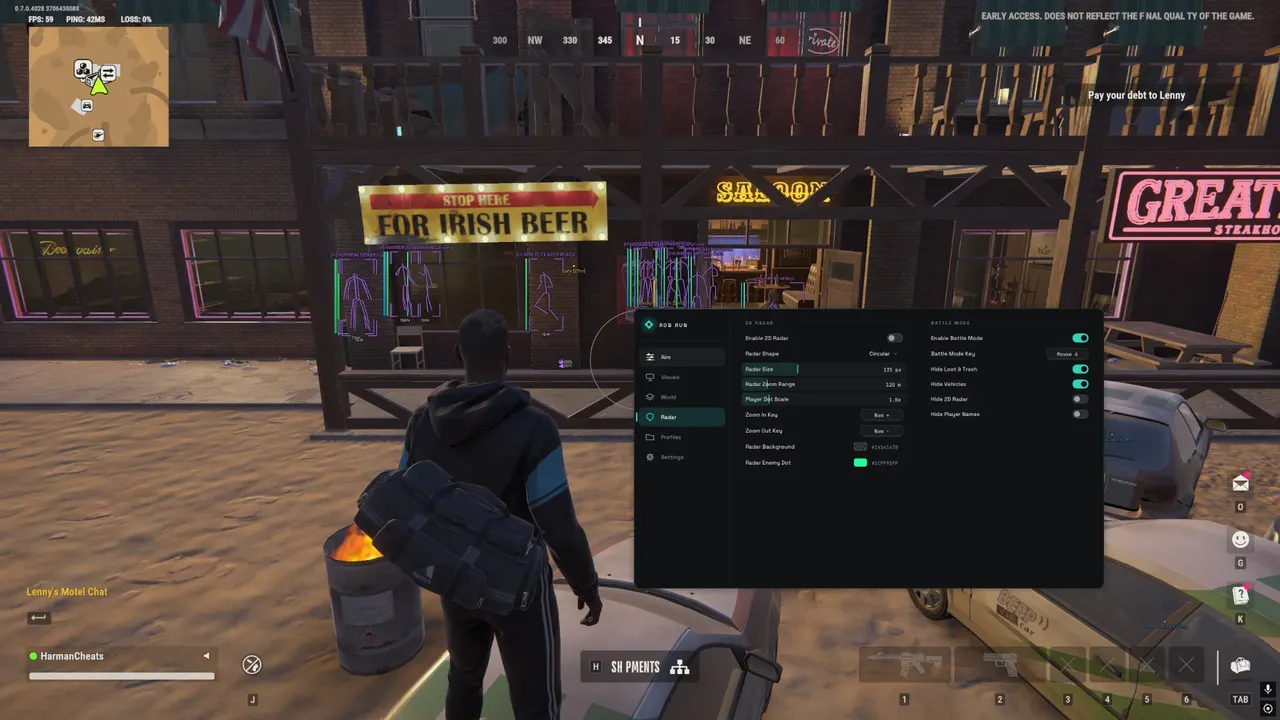
For ESP and the world you get role colors, health and distance, cash piles, vaults, ATMs, death crates, vehicle fuel and a 2D radar. From the 555-item catalog you pick the items you want and filter them by rarity and price. Save your settings as profiles and load other players' configs from the cloud list.
How it starts
- You receive your key and the loader link after payment.
- Extract the loader, run it as administrator and enter your key.
- Wait for the Waiting for RobRun text.
- Start Rob Run and press Insert to open the menu.
All Features
AIMBOT
- Memory Aimbot (camera lock aiming)
- Silent Aim (bullet redirection without camera movement)
- Configurable Aimbot key
- Configurable Silent Aim key
- Bullet Teleport (instant trajectory teleport)
- Auto Fire (automatically fire when target in FOV)
- Silent target line and line color
- Movement & Ping Prediction
- Team Check
- Skip Civilians
- Target Roles filter
- Target Hitbox selection
- Field of View (FOV) size
- Smooth Speed
- Draw FOV circle and FOV color
- New Aimbot & Silent Aim systems: more advanced and better optimized
- Hit Chance setting (%)
- Head / Body Split (split hits between head and body)
- Randomize Point (randomized aim point)
- Safe Packets
- Smoothing method (Linear) with separate Horizontal / Vertical smoothing
- Randomize Aim Path (randomized aim path)
- Sticky Target Lock (stay locked on the target)
- Target Switch Delay
- Fire Delay, Aim Duration and Reaction Delay (ms) settings
- Hitbox hotkeys: Force Head / Body / Feet and Cycle Hitbox
- Enable Aim Override and Reset Aim Settings
WEAPON MODS
- No Recoil (zero weapon kick)
- No Spread (100% accuracy)
- Standalone Mouse RCS
- RCS Pitch Strength setting
PLAYER ESP
- Bounding Box (color and style: Corner Box, etc.)
- Filled Box (fill color)
- Skeleton ESP (color setting)
- Smooth Spline Skeleton
- Head Dot ESP (color setting)
- Health Bar (position and gradient style)
- Health Numbers
- Player Name ESP (color setting)
- Distance ESP (color setting)
- Max ESP distance setting
- Teammate ESP
- Snaplines (color setting)
- Offscreen Arrows
- Target Focus Priority (Smart Focus)
- Redesigned player visuals: a more modern, sleek and eye-catching look
- Weapon Icon (shows the weapon icon on players)
- Skeleton Thickness setting
- Live Preview in the menu: settings show instantly on a character model
CHAMS
- Player Chams (colors player models)
- Color By Role
- Custom chams color
- Teammate chams and color
- Color Density setting
- Role colors: separate color for Robber, Cop, Prisoner, Citizen, Settler and Hubber
- Apply to ESP role colors
- Reset chams colors
- Role filter: enable all roles or Combat Roles Only
- New Chams designs: more color options and eye-catching styles
- Vehicle Chams (custom chams support for vehicles)
- Skeleton After (show the skeleton beyond a set distance)
- Vehicle Chams settings: vehicle model, material, vehicle color, police car color and opacity
ROLE & VEHICLE
- Show Roles (Cops, Robbers, Prisoners, Civilians)
- Color by Role
- In-Vehicle Indicator
- Robbery Loot & Cash Label
- Role Filter & role colors (Cops, Robbers, Prisoners, Civilians)
WORLD & LOOT ESP
- Ground Loot ESP (color setting)
- Loot Render Mode (icon + text)
- Loot Distance label
- Loot Beams
- Loot Max Distance setting
- Trash Bins & Dumpsters ESP (color setting)
- Cash Piles & Vaults ESP (color setting)
- Death Crates & Bags ESP (color setting)
- ATM & Containers ESP (color setting)
- Police, Sheriff & Buyers ESP (NPC ESP, color setting)
- Vehicle ESP (color setting)
- Vehicle Health & Fuel
- Vehicle Max Distance setting
- Redesigned world visuals: a more modern, sleek and eye-catching look
RADAR
- 2D Radar
- Radar shape (circular, etc.)
- Radar size
- Radar Zoom Range
- Player Dot Scale
- Radar zoom in / zoom out keys
- Radar background and enemy dot color
- Radar update: a more practical, modern radar interface
BATTLE MODE & HUD
- Battle Mode (configurable key)
- Battle Mode: hide loot, vehicles, 2D radar and player names
- Custom Crosshair (style, size, gap, thickness)
- FPS Counter
- Enemies Nearby Counter
- Session Stats / Watermark
- Keybinds Widget
MENU & PROFILES
- Profile management: save, load, delete, set default
- Config export / import (copy & paste)
- Auto Save Changes
- Reset Tactical Colors
- Menu toggle key setting (default: Insert)
- Accent Color and Dark Mode
- Target FPS Limit
- ESP font family and player / world font size
- Menu language selection (Language) and Language Setup screen
- Menu Scale
- Overlay FPS counter and FPS Limit
- Streamproof option
ITEMS & LOOT FILTER
- 555-item catalog (Item Catalog) with an item browser
- Category filters: Armor, Medical, Keys, Valuables, Tech, Barter, Vehicles, Base, Cargos
- Rarity tier filter: Common, Uncommon, Rare, Epic, Legendary, Exotic (a color for each tier)
- Min Rarity Tier and Rarity Max Dist (max distance for rarity)
- Min Loot Price, Min Cargo Price and Show Item Prices
- lootfilter.txt support (use your own loot filter)
- Loot sources: Loose Loot, Dropped Loot, Death Crates, Vehicle Crates, Cargos, Cabinets & ATM, Loot Nodes
- Doors & Safe Doors, Hiding Closets, Lock & Breach Timers
- Hide Empty Loot Nodes
- Cash Nodes & Settlement and Metal Detectors
- Vehicle Markers
- Raid Scanner
MISC & CAMERA
- FOV Changer settings: Camera FOV, Hold Zoom and Cam Distance
- Night Mode and Sky Color
- PhysX Sight Gizmo
- Hitmarker, Hit / Miss Info and Enable Hitsound
- Enable FreeCam from the menu
CUSTOM MODELS
- Custom model for your character (My Character): model choice and Scale
- Model Store: a store of 31 models with Refresh List
- Use on My Character and Use on Other Players (apply a model to other players too)
- Single Color Instead of Texture and Hide My Game Model
CLOUD CONFIGS
- Cloud config list: search, sort (newest) and paging
- Share and load a config by code (Copy code / Load)
- Config rating (Rate / Send rating)
SKIN CHANGER & HITSOUND
- Skin Changer (change skins in game)
- HitSound (custom sound effect for every hit you land)
NEW ADDITIONS
- Player Chams
- Freecam
- FOV Changer
- Instant Search
- Perfect Visible Check
- Various improvements